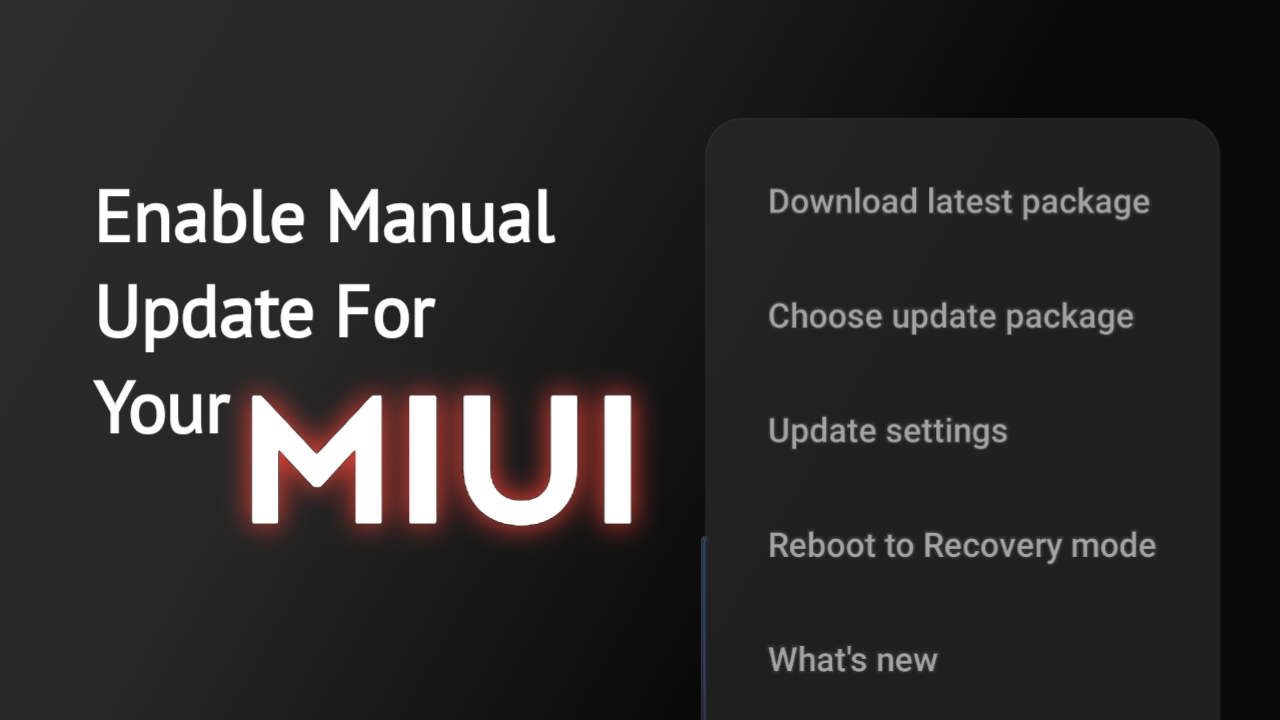
Xiaomi has a bad history of giving bad rom service for the past few years. Some of them disabled important features, some drains battery really quickly, some created display issue. If you have one of this, you might thought of reversing to previous version. There are ways you can change rom but one of the way you can do is by using Xiaomi’s ” update ” app. To use it, you have to enable the “Additional Update Feature “. Here are few steps on how you can enable it –
1. Go to ” Settings “
2. Click ” About Phone “
3. Click the MIUI logo.
4. Inside ” Updater ” , Click the logo multiple time until a pop-up says ” Additional Updater Feature Enabled “.
and you are done !
That’s how you enable the feature !
 Byronic