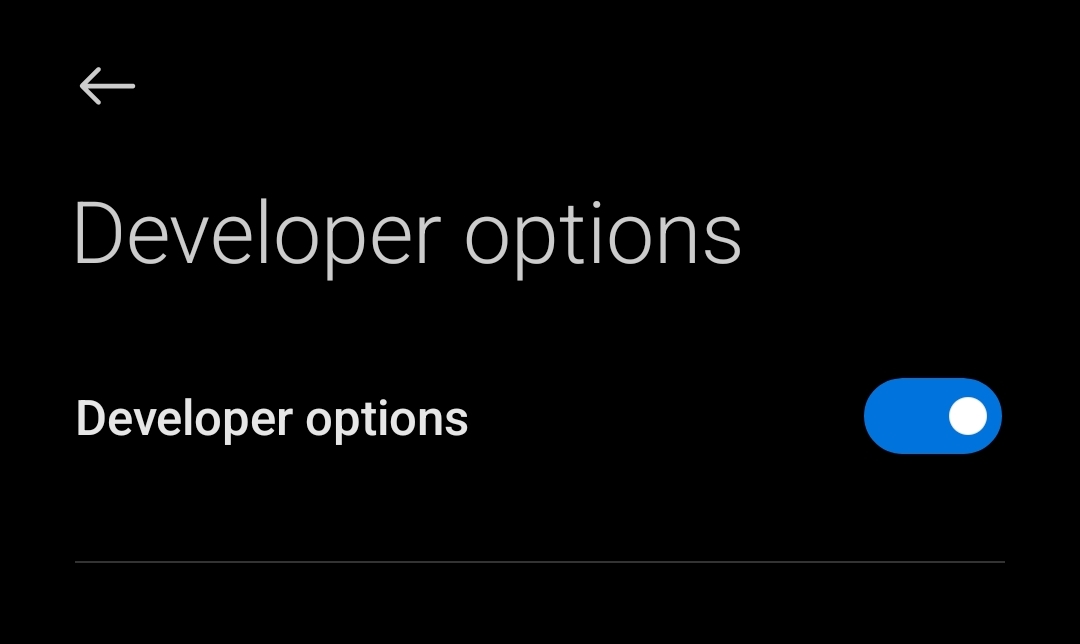
There is a hidden built-in feature which lets android developers to modify android system or make compatible android app. Lets follow the steps below to enable this function in your android phone –
Step – 1 : Go To ” Settings” App
Step -2 : Find The ” Build Number ” or ” MIUI Version ” Item Which Maybe In Different Place In Different OS. For Default It Is In ” Settings > About Phone > Build Number ” . For MIUI, ” Settings > About Phone > MIUI Version “.
Step – 3 : Click it 5 – 10 time until the toast says ” You are already a developer “
Step – 4 : Congratulation. You unlocked ” Developer Mode “. You can find it in “Settings > About Phone > Developer Mode” or ” Settings > Additional Settings > Developer Mode “
If you liked this post, you will also love how to enable ” USB Debugging” which is also a part of developer mode setting.
Click the link below to find out !
 Byronic