
SVG (Scalable Vector Graphics) is an XML-based vector image format used for describing two-dimensional graphics. Unlike raster image formats like JPEG or PNG, which store images as a grid of pixels, SVG images are defined using mathematical equations and geometric shapes, making them resolution-independent and suitable for scaling to any size without losing quality. SVGContinue reading “SVG – Explained In 200 Words”
Author Archives: Rakibul Hasan
SQL – Explained In 200 Words

SQL (Structured Query Language) is a standard language for managing relational databases. It enables users to interact with databases by querying, updating, and managing data. Initially developed by IBM in the 1970s as “SEQUEL” (Structured English Query Language), SQL became an ANSI/ISO standard in the 1980s, leading to its widespread adoption across various database managementContinue reading “SQL – Explained In 200 Words”
Depth First Search (DFS): Unraveling Graphs Node by Node

Before discussing DFS, let’s make a scenary about you together. STORY Suppose you are in the living room sitting on your couch. Now suddenly you had a sudden urge to watch the new Rick & Morty TV series. To watch TV, you need to find the TV remote. You are certain that the TV remoteContinue reading “Depth First Search (DFS): Unraveling Graphs Node by Node”
Bitcoin – Explained In 200 Words

Bitcoin is a decentralized digital currency, often referred to as cryptocurrency, that operates on a peer-to-peer network without the need for a central authority or intermediary. It was invented in 2008 by an unknown person or group of people using the pseudonym Satoshi Nakamoto and released as open-source software in 2009. The key innovation ofContinue reading “Bitcoin – Explained In 200 Words”
Vim – Explained In 200 Words
Vim, short for “Vi Improved,” is a powerful text editor popular among programmers. It evolved from the original Vi editor, developed in the 1970s. Vim’s standout feature is its modal editing system, offering distinct modes for various tasks: 1. **Normal mode:** Used for navigation and commands. Pressing Esc switches to this mode. Here, keystrokes executeContinue reading “Vim – Explained In 200 Words”
Java – Explained In 200 Words
Java is a widely-used programming language known for its simplicity and versatility. Created by James Gosling and his team at Sun Microsystems in the mid-1990s, Java was designed to be easy to learn and use. It gained popularity due to its “write once, run anywhere” mantra, meaning code written in Java can run on anyContinue reading “Java – Explained In 200 Words”
Firebase – Explained In 200 Words

Firebase is an ultimate platform developed by Google, offering a wide range of services to help developers build, improve, and grow their apps. At its core, Firebase provides tools for app development, analytics, authentication, databases, storage, and hosting. For app development, Firebase offers SDKs for various platforms like iOS, Android, and web, making it easyContinue reading “Firebase – Explained In 200 Words”
Things old windows had now doesn’t exist
As New Windows OS Publishes, Microsoft introduces us with new Windows Apps ( and Bloatware ) and removes old time favourite apps face with alternative brand new UI or with gives them a purchase tag , so you can feel nostalgic by buying them. Here are some of the apps that were replaced or removedContinue reading “Things old windows had now doesn’t exist”
The Boot Process of Linux

As any operating system, Linux operating systems also has to go through some steps to represent the desktop environment to the end user. Here are the step by step process before linux shows the desktop session. Linux Boot Process That’s how the Linux finishes booting to represent linux services. You can check the below videoContinue reading “The Boot Process of Linux”
Secret Setting HIDDEN in your phone – Enable ” Developer Mode ” In Android
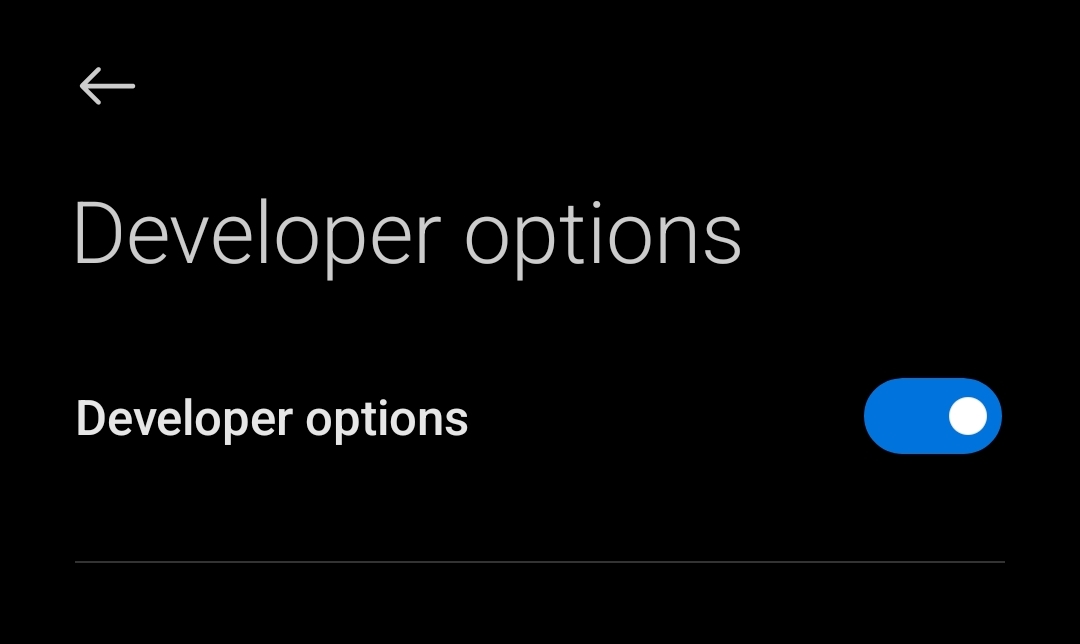
There is a hidden built-in feature which lets android developers to modify android system or make compatible android app. Lets follow the steps below to enable this function in your android phone – Step – 1 : Go To ” Settings” App Step -2 : Find The ” Build Number ” or ” MIUI VersionContinue reading “Secret Setting HIDDEN in your phone – Enable ” Developer Mode ” In Android”
 Byronic